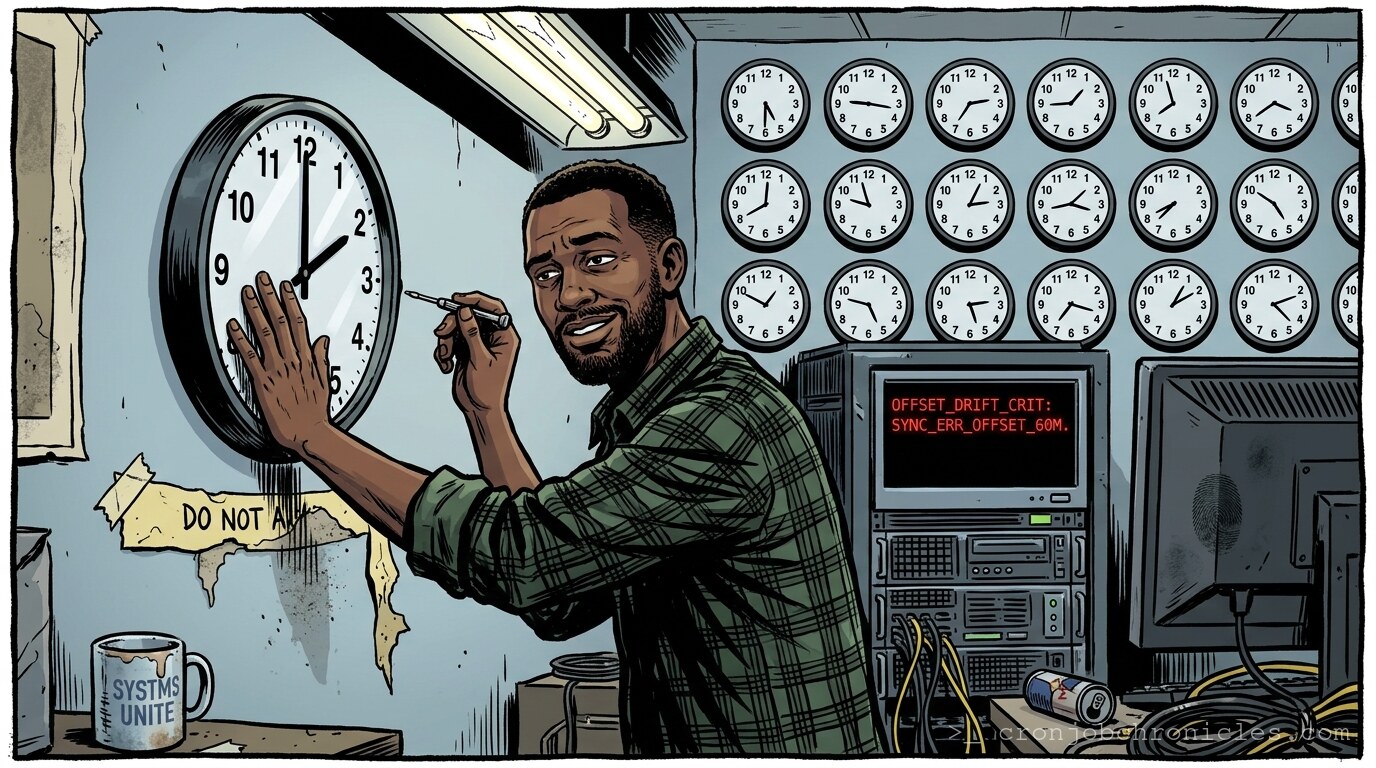
Listen, time is the only resource you cannot provision via Terraform, yet we treat it like a minor configuration drift.
I’ve spent two decades watching perfectly architected distributed systems collapse into a heap of jittering log files, all because some developer decided that "Europe/London" was a suggestion rather than a rigid physical constraint. We spend our lives managing bits and bytes, forgetting that the most destructive variable in any infrastructure is the subjective, erratic, and deeply human invention we call the timezone.
The Fallacy of ‘Universal’ Time
We like to tell ourselves that Unix time—the number of seconds elapsed since the epoch—is the objective truth of the universe. It’s elegant. It’s monotonic. It’s a 64-bit integer that doesn’t care about the political whims of the daylight savings lobby in Arizona or the shifting borders of the Middle East. But here is the friction: you don’t live in an epoch; you live in a world where stakeholders demand reports “at 9:00 AM local time.”
Whenever you map a UTC timestamp to a local representation, you are performing an act of translation that is inherently lossy. We act as if this mapping is a static function, but it’s actually a dynamic lookup against the IANA Time Zone Database (tzdata). Every time a parliament somewhere decides to shift their clocks to save a sliver of sunlight, your infrastructure becomes a historical document of a world that no longer exists.
The Edge Case that Breaks the World
The most dangerous hour in a sysadmin’s life isn’t the one where a power supply fails; it’s the 2:00 AM window when the clock jumps back, and your cron job runs twice, or worse, doesn’t run at all. I once saw a billing reconciliation script—written with the best intentions—double-charge an entire user base because the local system clock “fell back” and the loop condition for the execution window satisfied twice.
Is this a failure of the code, or is it a failure of our insistence on forcing human time structures onto machine-level logic? Maybe the issue isn’t the timezone settings. Maybe the issue is our desperate, obsessive need to align our digital automation with the rotation of a rock orbiting a medium-sized star. We are trying to harmonize the infinite with the arbitrary.
The Sysadmin’s Coping Mechanism: A Coffee Synchronization Script
Because I am perpetually chasing the delta between the server’s uptime and my own biological clock, I use this script to ensure my caffeine ingestion is strictly ordered. It won’t solve your DST issues, but it will maintain the sanity of your morning caffeine cycle with a level of rigor usually reserved for production database backups.
#!/bin/bash
# Caffeine synchronization daemon for the sleep-deprived admin.
# Usage: ./caffeine_sync.sh

set -euo pipefail

LOG_FILE="/var/log/caffeine_intake.log"
DATE_STAMP=$(date +'%Y-%m-%dT%H:%M:%S%z')

log_event() {
    echo "[$DATE_STAMP] $1" >> "$LOG_FILE"
}

pour_coffee() {
    log_event "Initiating coffee injection..."
    # Simulate a brew cycle; hardware failure logic included
    if [[ $((RANDOM % 10)) -eq 0 ]]; then
        echo "Error: Coffee machine reported hardware fault (Error 418: I'm a teapot)."
        exit 1
    fi
    echo "Coffee dispensed. System focus restored."
}

# Ensure we aren't brewing during a system maintenance window (the morning rush)
if [[ $(date +%H) -lt 6 ]]; then
    log_event "Too early for humans. Skipping brew."
    exit 0
else
    pour_coffee
fi
Restoration: When the Time Goes Wrong
If you find your servers living in different centuries, restoration is not about changing the time; it’s about acknowledging the drift.
- Verify NTP/Chrony: Never, ever set the clock manually. If your daemon isn’t running, you’ve already lost. Use
chronyc sources -vto see who your servers are actually trusting. - Sync the TZ Data: Ensure your
/usr/share/zoneinfo/is updated. It’s updated via your package manager, not your prayers. - Audit the Logs: When time shifts, grep logs for the “jump.” If you see a gap or a duplicate timestamp, you’ve found your point of failure. Don’t try to “fix” the logs. The logs are the victim; accept their trauma and move on.
The Doubt That Lingers
I find myself wondering—if we spent as much time abstracting our workflows away from the clock as we do trying to force the clock to behave, would we be more efficient? Or is the “timezone hell” just a necessary friction that reminds us that, despite our root access, we are still bound by the laws of physics and the rotational speed of our planet? Perhaps we aren’t solving a problem. Perhaps we’re just building increasingly complex sundials.
Wait, my pager just triggered. The monitoring dashboard is showing a 400ms latency spike on the database cluster, and if I don’t look at the logs immediately, the on-call engineer is going to assume the worst. The timezone of that error is irrelevant; the headache is local.