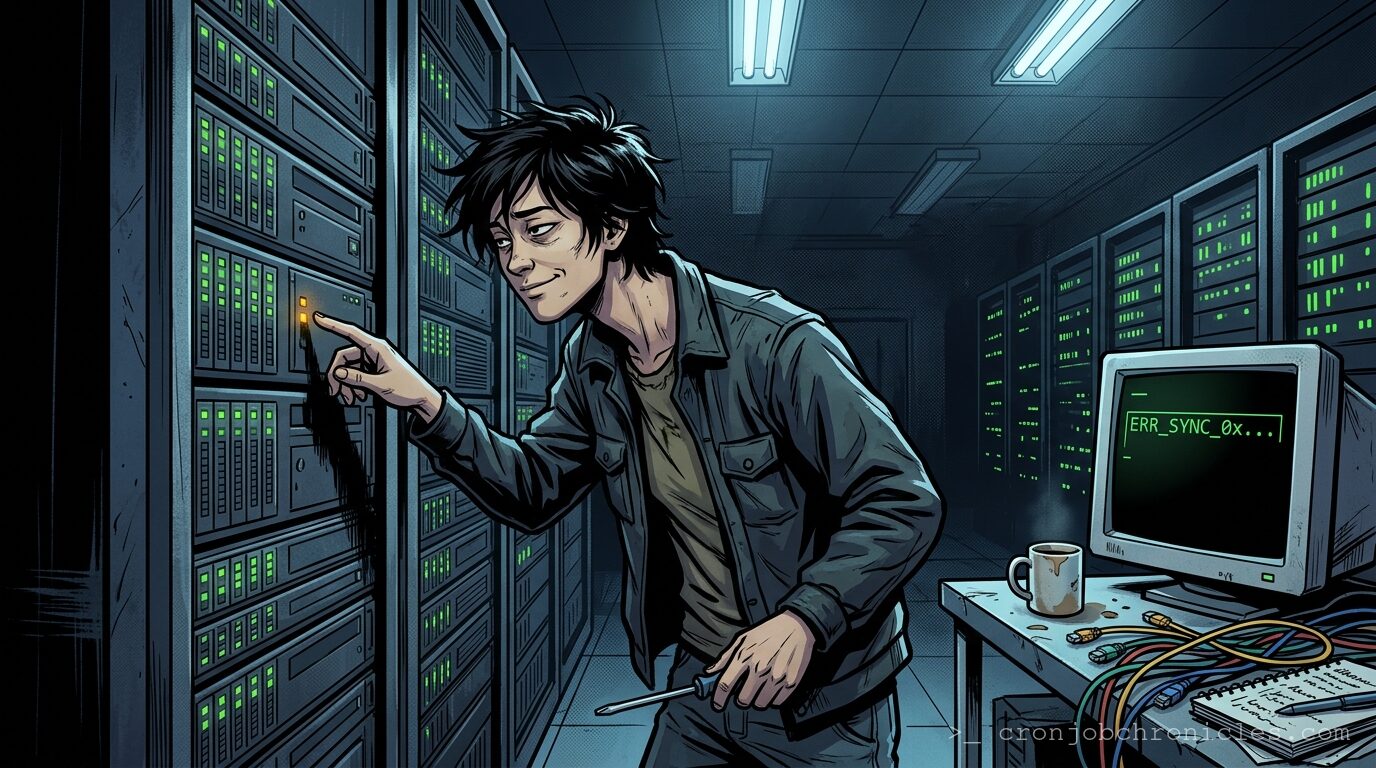
The Ghost in the Ghost in the Shell: Debugging an Intermittent Race Condition at 3 AM
Listen, the hardest problems in computer science aren’t cache invalidation and naming things—they are race conditions and the creeping realization at 3:14 AM that time is entirely an illusion.
You know the scenario. A cron job fires, an API endpoint is hit, a database transaction opens, and suddenly the system state resembles a Picasso painting. Logs show a process updating a row just milliseconds after another process deleted it. It happens once every two weeks. It never happens in staging. You are staring at a syslog output that reads like a murder mystery where the victim and the killer are the exact same PID.
Welcome to the intermittent race condition. It is the ghost in the machine. But more accurately, it’s the ghost in the shell script.
The Architecture of Chaos
A race condition fundamentally occurs when two concurrent threads of execution access a shared resource without adequate synchronization, and at least one of those accesses is a write. We spend our days building majestic, highly-available, distributed systems. We decouple everything. We rely on message brokers and asynchronous workers.
And yet, we halt abruptly when the asynchronous reality we built refuses to behave like the synchronous mental model we hold in our heads. We look at a log file and ask, “Why did Process A step on Process B?”
But there’s a crack in that logic, isn’t there? It might be that the initial question itself is misleading. Are we actually debugging a failure in the application, or are we debugging our own flawed assumption that we can impose linear, Newtonian time on a multi-core, distributed architecture? We build systems designed to run in parallel, and then we spend the rest of our careers writing mutually exclusive locks (mutexes) to force them back into a single file line. This says more about us, and our desperate human need for control, than it does about the CPU schedule.
Regardless of the philosophical implications, the system is down, the client is angry, and you are exhausted.
Prerequisites for the Hunt
Before you begin chasing ghosts in the data center, you must provision your physical and digital workspace. Do not dive in without the following:
- A solid grasp of the system architecture: You need the topology. Load balancers, application servers, database replicas. Where is the shared state actually living?
- High-resolution logging: Standard 1-second timestamp resolution is useless here. You need milliseconds or microseconds. If your logging framework doesn’t support
%N(nanoseconds), you are flying blind. - System tracing tools:
strace,lsof,tcpdump, andperf. - A strictly defined baseline: A snapshot of what “normal” looks like.
- Caffeine and Hydration: You are about to engage in a battle of attrition with a scheduler. Your biological RAM needs refreshing.
The Observer Effect: Edge Cases in Debugging
Here is what could—and will—go wrong. The moment you attach strace -p $PID to the misbehaving process, the race condition will magically disappear.
What we tend to call a “Heisenbug” is just basic physics applied to syscalls. strace interrupts the process for every system call to read its state. This introduces microscopic delays. That delay is just enough to act as an unintentional lock, perfectly synchronizing your threads and hiding the bug.
Other edge cases include database consistency issues (dirty reads masking the race), network packet retransmissions acting as artificial delays, and log-buffer flushing order making it look like Event B happened before Event A, when in reality, Event A’s log buffer just flushed later.
A Production-Grade Sanity Wrapper
To prevent race conditions in your own debugging tools, you must rely on atomic operations. File locking is a classic sysadmin mechanism. Here is a robust, production-grade Bash script I use at 3 AM to log my debugging thoughts, guaranteeing that even if I trigger this script from multiple parallel TMUX panes, my sanity log will never interleave.
#!/usr/bin/env bash
# -----------------------------------------------------------------------------
# Script: 3am-sanity-lock.sh
# Purpose: Safely log debugging notes at 3 AM using atomic file locks.
# Prevents the sysadmin's fragmented mind from causing local race conditions.
# -----------------------------------------------------------------------------

set -euo pipefail

# Configuration
LOG_FILE="/var/log/sysadmin_sanity.log"
LOCK_FILE="/tmp/sanity.lock"
COFFEE_CUPS=${1:-0}
MESSAGE=${2:-"Staring into the void. The void is returning a 502 Bad Gateway."}

# Ensure we are running as root to write to /var/log
if [[ "${EUID}" -ne 0 ]]; then
    echo "ERROR: You must be root to question reality this deeply." >&2
    exit 1
fi

# Function to log with high-precision timestamps
log_debug() {
    local msg="$1"
    local timestamp
    # Using nanoseconds to prove to ourselves that time exists
    timestamp=$(date +'%Y-%m-%dT%H:%M:%S.%N%z')
    echo "[${timestamp}] [COFFEE: ${COFFEE_CUPS}] ${msg}" | tee -a "${LOG_FILE}"
}

# The Critical Section
# We use 'flock' to acquire an exclusive lock on the file descriptor (200).
# If another instance of this script is running, it will wait here.
(
    flock -e 200

    log_debug "Acquired sanity lock."

    # Simulating the biological delay of processing the bug
    sleep 1

    log_debug "Hypothesis: ${MESSAGE}"

    if [[ ${COFFEE_CUPS} -gt 4 ]]; then
        log_debug "WARNING: Caffeine toxicity imminent. Logic may be compromised."
    fi

    log_debug "Releasing sanity lock."

) 200> "${LOCK_FILE}"

exit 0
Notice the use of set -euo pipefail. If a command fails, the script dies instantly. We do not continue executing blind. Notice the use of flock bound to a specific file descriptor (200). This is how you enforce atomicity in a shell environment.
How to Restore: Rolling Back the Damage
No backup or debugging guide is complete without a restoration plan. When you are blindly modifying configuration files at 3 AM trying to force synchronization, you are going to break things.
1. Restoring the Application State:
If you applied a frantic database lock (e.g., SELECT ... FOR UPDATE) that ended up causing a rolling deadlock across your worker nodes, you must kill those queries. Access the database console and terminate the blocking PIDs. Revert the application code to the last known stable commit. Do not leave “temporary” sleep statements in the code.
2. Restoring the Data:
If the race condition corrupted user data, you must query the point-in-time recovery (PITR) logs of your database. Identify the exact millisecond the corrupted transaction was committed, and replay the binlogs up to T-1 milliseconds into a temporary table, then patch the live rows.
3. Restoring the Sysadmin:
The most critical system resource is you. Close the laptop. Drink a glass of water. Acknowledge that the system is eventually consistent, and right now, you are not. Go to sleep. The ghost will still be there tomorrow, waiting in the shell.
Now, if you’ll excuse me, I have a log-rotate cron job that’s been failing silently since October, and it is currently threatening to consume the last 40 kilobytes of my root partition.