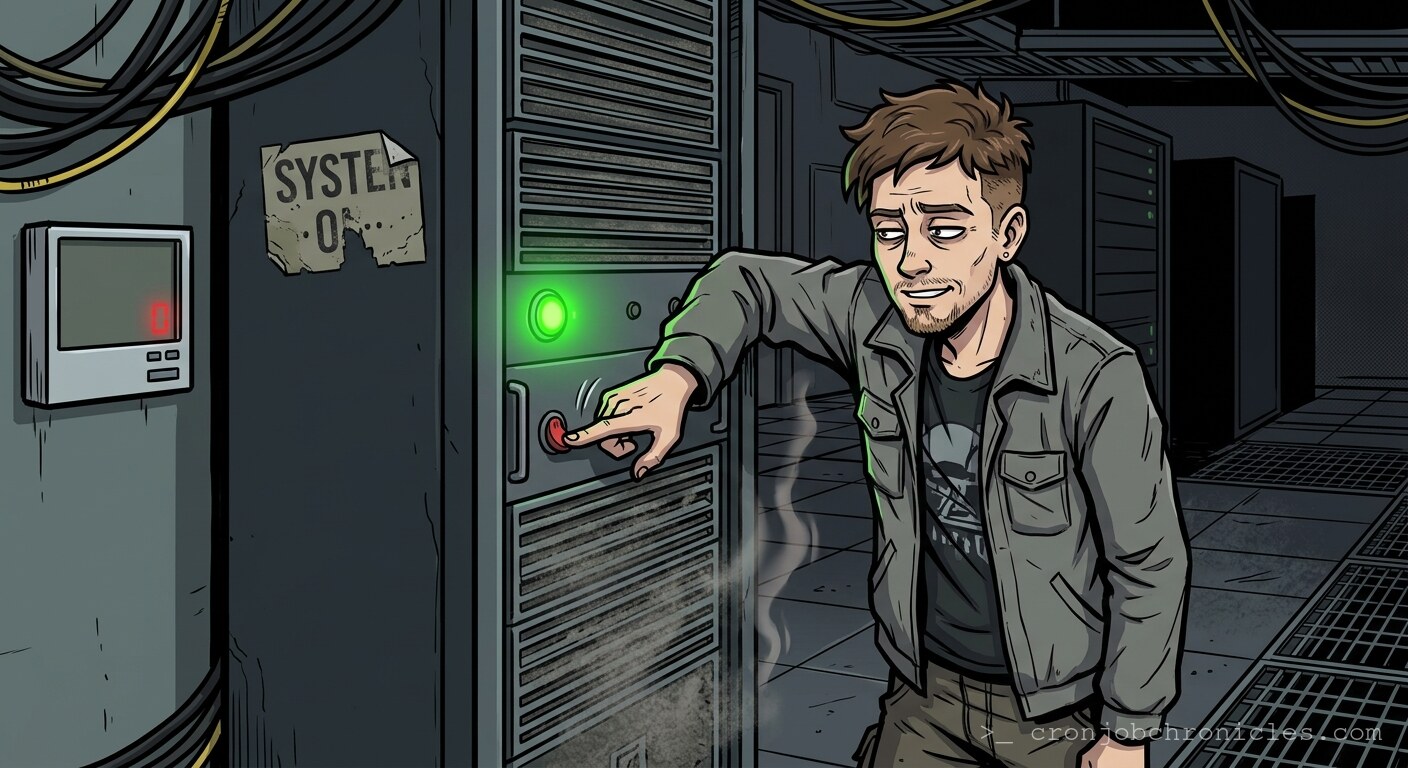
Listen, a quiet server room is not a sanctuary; it is a graveyard waiting for a headstone.
I’ve spent two decades in refrigerated bunkers filled with the relentless, subsonic hum of high-RPM fans, and I can tell you this: the day a server room goes silent is the day you stop being an administrator and start being a coroner. In our world, silence is not golden. Silence is the absence of load. Silence is the ghost of a power supply failing in the dark, or a thermal runaway event so clean it didn’t even trigger the chassis intrusion alarm. It is a terrifying, unnatural stillness that defies the thermodynamics of a machine meant to live under pressure.
We often talk about “reliability” as if it’s a design choice, but in reality, it’s a negotiation with chaos. We spend our careers fighting the inevitable entropic decay of silicon and copper. When you walk into a rack row, the sound profile tells you everything. The low-frequency thrum of air moving through a chassis is the sound of heartbeat and respiration. If that sound stops, you are no longer managing a production environment; you are performing an autopsy on a silent, bloated corpse of dead processes.
The Prerequisites of Survival
If you want to survive the silence, you need visibility. You cannot rely on your ears once the decibel level drops. You need hard data, piped through channels that don’t depend on the very network that might be currently undergoing a silent death. Before you find yourself standing in a tomb, ensure you have:
- Out-of-Band Management (IPMI/iDRAC/iLO): If the OS is dead, the management controller is the only thing that knows the truth.
- External Monitoring: If your monitoring tool lives inside the cluster it’s supposed to be monitoring, you’re just watching yourself drown.
- A Baseline: You need to know what “noisy” sounds like for your specific hardware. A Blade chassis at 20% utilization should have a distinct, aggressive pitch. Anything less, and you’re looking at a thermal trap.
The Illusion of Stability
There is a peculiar human habit—perhaps a psychological coping mechanism—where we mistake a lack of alerts for a state of “perfection.” We see green dashboards and we think, “Everything is quiet.” That is a dangerous lie. Sometimes, the silence is just a sign that your monitoring agent has hung, or the UDP packets are being dropped in a silent, packet-black-hole nightmare caused by a half-dead switch ASIC.
Is it possible that we don’t actually want “uptime”? Perhaps we are just terrified of the silence that follows a crash. We worship at the altar of the Five Nines not because it’s efficient, but because it’s the only way to drown out the existential dread of a blinking cursor on a dead terminal. We aren’t building systems; we’re building elaborate noise-makers to convince ourselves that our silicon gods haven’t abandoned us.
A Practical (and Morbid) Script: The “Vitals” Watchdog
Since we’re talking about the silence, let’s ensure that even if the fans stop, the server at least attempts to scream one last time before it enters the void. This script doesn’t fix hardware—because software cannot fix a dead capacitor—but it acts as a heartbeat check to ensure your monitoring is actually alive and kicking. If this script stops running, you have a problem that isn’t just “quiet.”
#!/bin/bash
# heartbeat_watchdog.sh
# Purpose: A screaming alarm for the silent void.

LOG_FILE="/var/log/server_void.log"
TIMESTAMP=$(date +"%Y-%m-%d %H:%M:%S")

exec >> >(tee -a "${LOG_FILE}") 2>&1

echo "[${TIMESTAMP}] HEARTBEAT: Starting surveillance of the silence."

while true; do
    # Check if the primary network gateway is reachable
    if ping -c 1 8.8.8.8 &> /dev/null; then
        echo "[$(date +"%Y-%m-%d %H:%M:%S")] System is breathing. Silence is normal."
    else
        echo "[$(date +"%Y-%m-%d %H:%M:%S")] ALERT: SILENCE DETECTED. Network unreachable. Check the fans, check the power, check your life choices."
        # This is where you'd trigger a physical siren, if you were a person of culture
        # curl -X POST https://hooks.slack.com/...
    fi
    sleep 300
done
Restoration: Bringing the Noise Back
When the room goes quiet, restoration isn’t just about restoring data; it’s about restoring the acoustic environment. If you find yourself staring at a silent rack, your first step is not to boot the OS—it’s to physically verify the power path. Don’t trust the lights. Pull the PDU logs. If you find a bricked chassis, you restore by moving to cold-standby hardware, imaging the last known good configuration, and praying to the bit-rot gods that your last backup wasn’t corrupted during the power surge that killed the fans in the first place.
I find myself wondering—are we actually solving problems, or are we just rearranging the components in a room full of noise to make it feel like we’re in control? The hardware doesn’t care. It just wants to spin, generate heat, and eventually stop. Maybe the silence isn’t the problem. Maybe the silence is just the inevitable end of the conversation.
Actually, forget all that. My PDU just triggered a low-voltage alert on Row 4, and if I don’t get down there, the entire production database is going to be as quiet as the graveyard I was just talking about. I’ll leave you to your dashboards; mine are currently screaming.