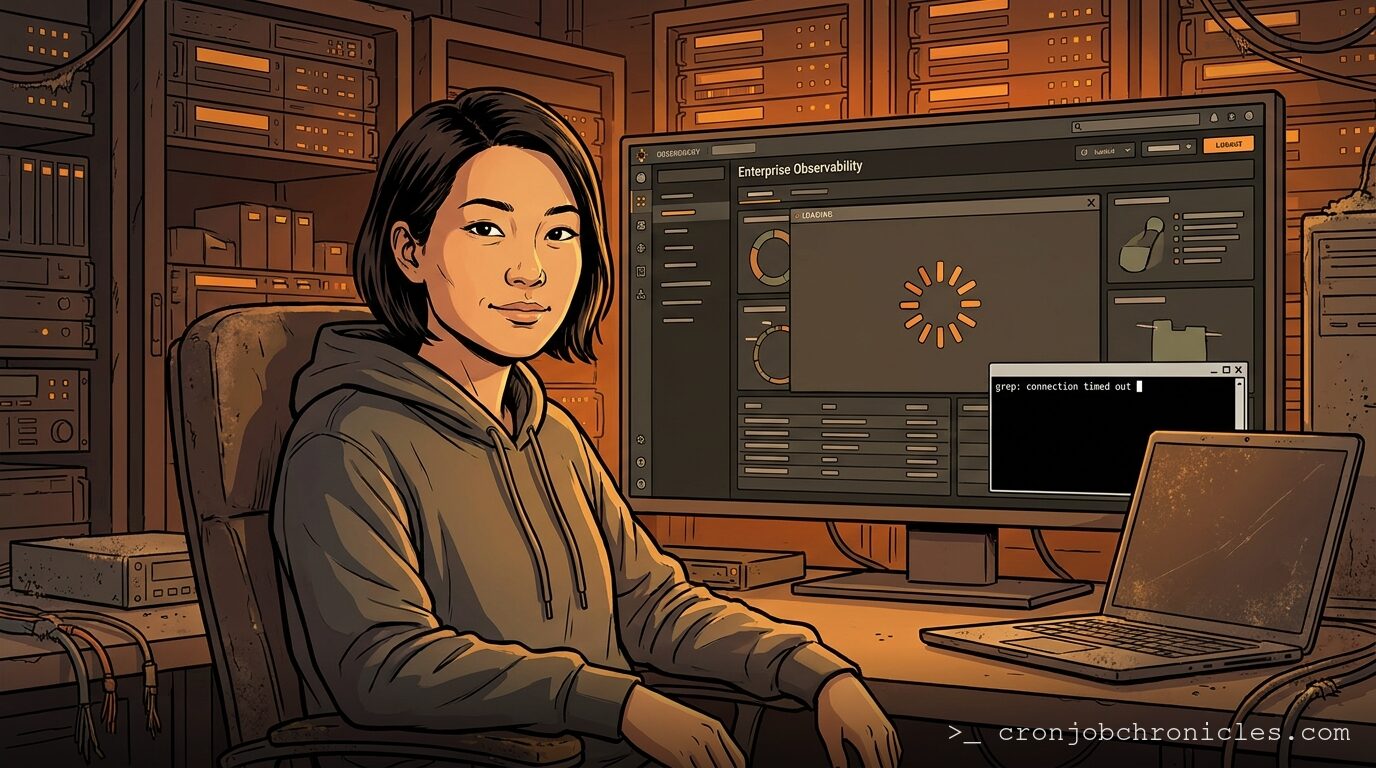
Listen, if your crontab is full of zeros, you are letting your calendar dictate your system stability.
Every junior sysadmin starts by scheduling their heavy database dumps, log aggregations, and API syncs for 0 0 * * *. It feels clean. It feels organized. It is also the exact moment your cloud provider’s virtualization hosts experience their highest I/O spikes, your external API dependencies rate-limit you into oblivion, and your disk arrays choke on simultaneous reads.
Shifting your schedules to seemingly random, off-beat times like 03:14 isn’t an aesthetic choice. It is a defense mechanism learned through years of middle-of-the-night pages.
The Midnight Stampede
The internet runs on default templates. Millions of systems have cron jobs pre-configured by package maintainers to run at midnight, or at the top of the hour. When your server attempts to pull an external database update or hit a public API at exactly 00:00:00 UTC, it is competing with every other lazy configuration on the planet.
If you are running on shared cloud infrastructure, your neighbors are likely doing the same. Even if your own virtual machine is idle, the physical hypervisor hosting it might be gasping for breath as three neighboring VMs start chewing through CPU-bound compression tasks at the exact same microsecond.
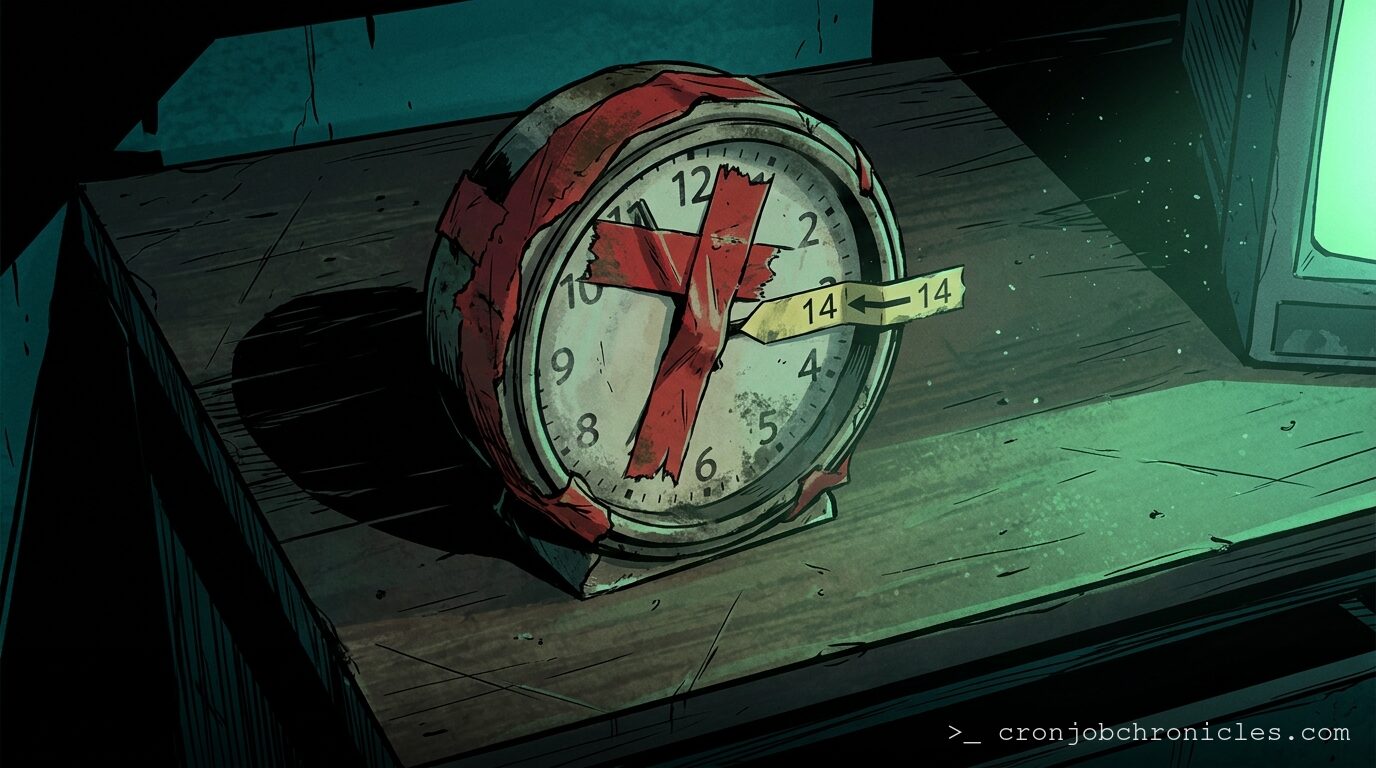
By choosing an arbitrary offset like fourteen minutes past the hour, you step out of the herd. Your job executes in the quiet valley between the top-of-the-hour peaks.
The Twilight Zone of 02:00
But why 03:14? Why not 02:14?
The answer lies in the messy, human construct of Daylight Saving Time. In most jurisdictions that observe DST, the clocks change at 02:00. In the spring, the clock skips from 01:59:59 straight to 03:00:00. That means the entire hour of 02:00 to 02:59 never occurs.
If you have a cron job scheduled for 02:30, different cron implementations handle this missing hour in wildly different ways. Classic Vixie cron might skip it entirely. Some systemd timers might run it immediately at 03:00, while others wait twenty-four hours.
In the autumn, the opposite happens: the clock falls back from 01:59:59 to 01:00:00. The hour between 01:00 and 02:00 repeats. A cron job scheduled for 01:30 will execute twice. If your script is not strictly idempotent—meaning it cannot be run twice in a row without corrupting data or duplicating charges—you are in for a long morning of manual database surgery.
By scheduling your daily tasks at 03:14, you bypass the DST transition window entirely. The time zone adjustments are done, the system clock has settled, and the environment is stable.
14 3 * * * /usr/local/bin/db-cleanup.shThe Habits We Can’t Shake
I still write bad cron entries. Last Tuesday, while debugging a legacy log-parser on a staging box, my fingers instinctively typed 0 * * * * into the crontab because that is where the muscle memory lives. I knew the external API we were testing against resets its rate limits on the hour. I knew the database did its internal vacuuming then. I did it anyway because I wanted to see the results before my next cup of coffee. Ten minutes later, the staging environment was unresponsive, locked up by a database transaction that couldn’t get a word in edgewise.
We keep doing this because our brains prefer clean lines and round numbers. But computers do not care about clean numbers; they care about resource distribution.
If you want your systems to sleep through the night, stop scheduling your work for the top of the hour. Give your cron jobs some breathing room. Let them run at odd minutes, in the quiet hours of the morning, when the rest of the network is silent.
A console log just scrolled past on my second monitor: a third-party synchronization script has failed with a timeout error. It is exactly 04:00. Someone else’s midnight has just arrived.