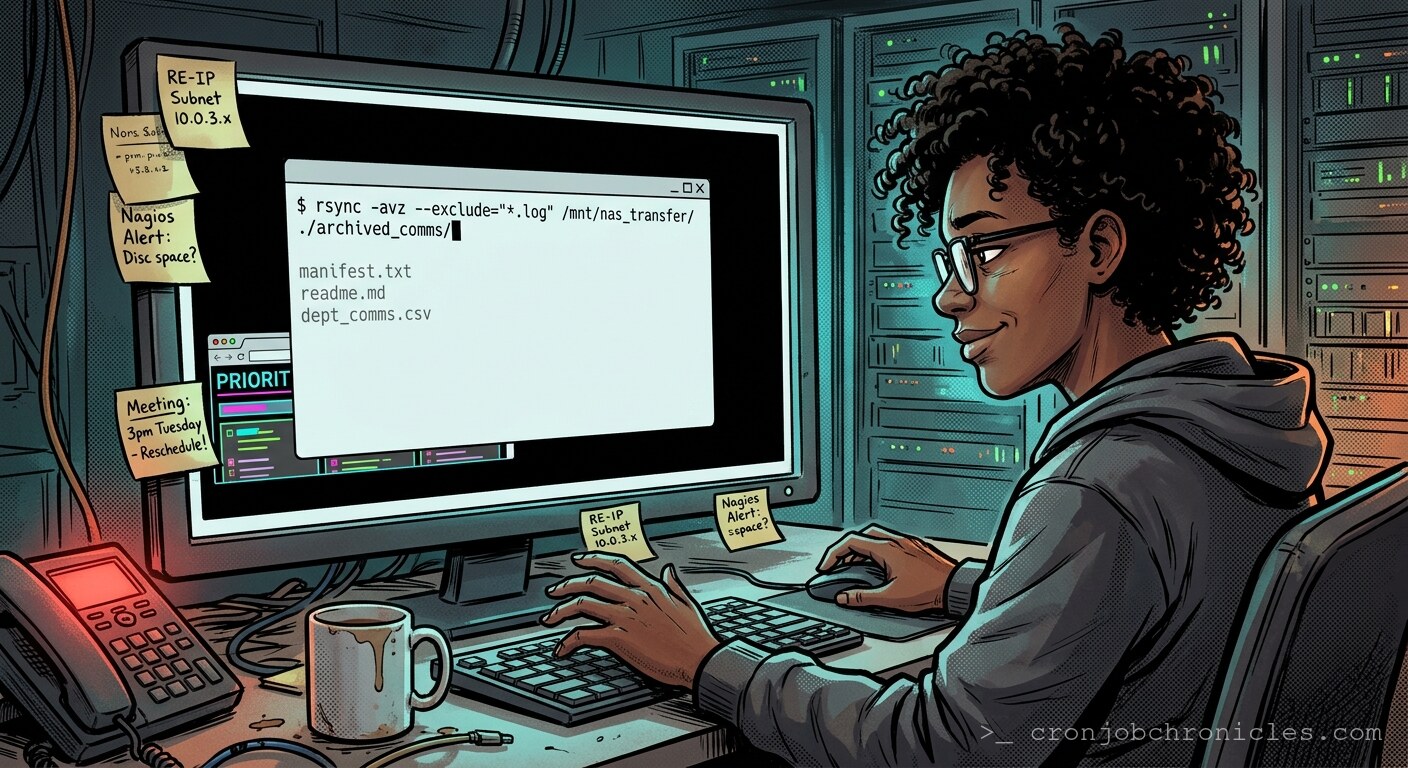
Listen, if your editorial calendar requires a GUI, you aren’t managing content—you’re managing an expensive, high-latency user interface for your own indecision.
I’ve spent two decades watching infrastructure crumble because we prioritized “usability” over the brutal honesty of the shell. We love to dress up our creative processes in the velvet robes of project management software. We plug our article ideas into Kanban boards, tag them with color-coded priorities, and pretend that dragging a digital card across a screen is the same thing as producing a coherent thought. It isn’t. It’s just visual noise masquerading as progress. A CMS calendar is merely a state machine that rarely converges on a finished output.
When I started automating my own content pipeline, I didn’t reach for a SaaS solution. I reached for the only thing that doesn’t lie: the crontab. While the marketing department is busy syncing their Slack channels with their calendar APIs, I’m running a headless process that treats my “editorial pipeline” like a standard server load balancing issue. If the input buffer (my draft folder) has a backlog, the system throttles the output. It’s not elegant, but it’s deterministic.
The Architecture of Impatience
You have to ask yourself why we lean on these bloated calendar tools. Is it for the “collaboration,” or is it because we are terrified of the silence that comes when you stop scheduling and start executing? Perhaps the question shouldn’t be “How do I optimize my content calendar?” but rather, “Why do I feel the need to schedule my thoughts as if they were a batch job waiting for a lower-priority CPU cycle?” We treat our own creativity like a background process with a nice renice value, waiting for the system to stop being busy. But the system is always busy.
The “Editorial Cron” approach is simple: it doesn’t care about your deadlines. It cares about existence. If the file exists in /drafts/, it gets processed. If it doesn’t, the script exits with a status code of 1, and the world keeps spinning. It’s a ruthless prioritization engine that filters out the noise of “what I should write” from the hard reality of “what is actually stored on the disk.”
The Implementation: A Production-Grade Draft Processor
This script doesn’t just manage a list; it enforces a workflow. It uses a timestamped log, checks for file locks (to prevent concurrent editing collisions, which I’ve seen cause more data loss than any hardware failure), and ensures that only finished Markdown artifacts are “published” to the staging directory.
#!/bin/bash
# Draft Manager: The only editorial calendar that doesn't ask for your password.

set -euo pipefail

DRAFTS_DIR="/home/admin/content/drafts"
STAGE_DIR="/home/admin/content/staging"
LOG_FILE="/var/log/content_engine.log"

log() {
    echo "$(date '+%Y-%m-%d %H:%M:%S') - $1" >> "$LOG_FILE"
}

# The "Lockfile" check: Because even a one-man-ops team needs concurrency control.
LOCKFILE="/tmp/editorial.lock"
if [ -e "$LOCKFILE" ]; then
    log "Error: Content engine locked. Is a human trying to be creative?"
    exit 1
fi

touch "$LOCKFILE"
trap 'rm -f "$LOCKFILE"' EXIT

# Find files older than 24 hours that are ready to move.
# We only process finalized Markdown files.
FILES=$(find "$DRAFTS_DIR" -name "*.md" -type f -mtime +1)

if [ -z "$FILES" ]; then
    log "System idle. No stale drafts found. Carry on."
    exit 0
fi

for file in $FILES; do
    log "Processing: $(basename "$file")"
    mv "$file" "$STAGE_DIR"
    log "Deployment successful for $(basename "$file")"
done
The Fragility of the “Process”
You might notice the trap command there. It’s essential. If the script fails—if your disk fills up, or if your creative process crashes midway through a file move—you need to ensure you haven’t left a lockfile orphan. We’ve all seen what happens when stale lockfiles are left in the wreckage of a failed service; they become the ghosts that prevent future progress. It makes me wonder if our own editorial calendars are just massive, distributed lockfiles, preventing us from ever actually deploying our ideas because we’re too afraid of the state collisions.
Is this actually better than a calendar? I suspect the answer is “no,” but perhaps that’s missing the point. The calendar provides the comfort of a structured plan, while the crontab provides the discomfort of a cold, unfeeling loop. Maybe we prefer the calendar because we’d rather look at a Gantt chart than stare at a blank text file at 3 AM. Or perhaps we’re all just terrified that if we automated our content, we’d realize that the “editorial strategy” wasn’t doing any heavy lifting in the first place.
Wait, I hear the high-pitch whine of a failing NVMe drive in the rack to my left. It’s a warning, or perhaps just a reminder that even the best-laid plans are eventually subject to the laws of entropy. I’d better get to the data center before the filesystem goes read-only; apparently, the server has decided that my editorial schedule is currently at the bottom of its priority list.