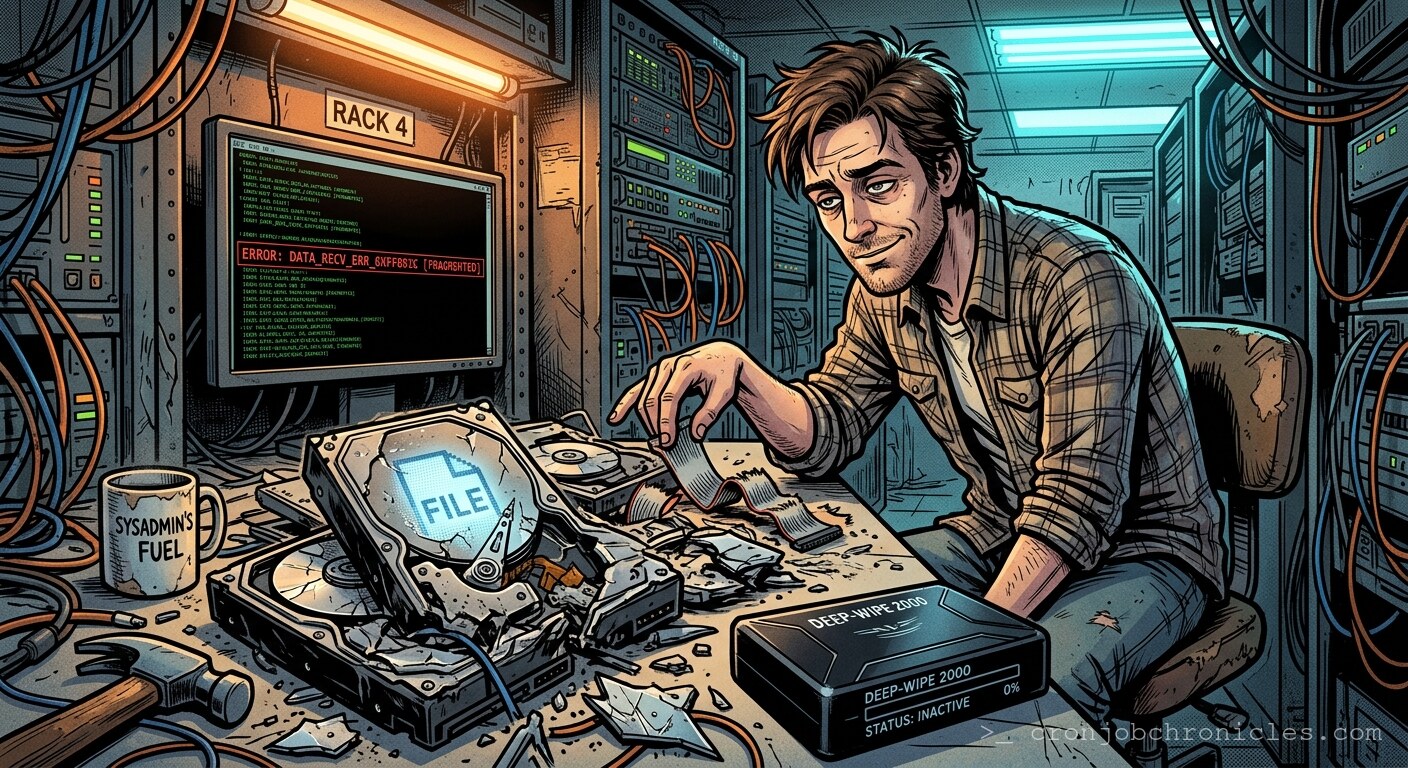
Listen, most of what we call “data sanitization” is just expensive theater performed for auditors who wouldn’t know a platter from a pancake.
I recently pulled a dusty 2TB Seagate Barracuda from a legacy RAID array that hadn’t seen the light of a rack-mount LED since 2014. Holding that drive is like holding a physical manifestation of my own mistakes. It’s a tombstone for a project that was supposed to “scale infinitely” but instead ended up providing storage for a departmental wiki that no one bothered to check after the middle of the Bush administration.
When we talk about “decommissioning,” we usually lean on shred or dd with `/dev/urandom`. We like to believe that overwriting blocks—the digital equivalent of burying a secret in the woods—actually wipes the slate clean. But physical storage is a messy, analog business disguised by a thin veneer of abstraction. We tell ourselves that digital data is binary, discrete, and orderly. That’s a convenient lie we tell to sleep at night. In reality, your data is etched into magnetic domains that have a habit of lingering, like a bad smell in a server room.
The Archaeology of Magnetic Decay
Let’s strip away the abstraction. A hard drive is just a high-speed record player. You have a platter spinning at 7200 RPM, and a head floating on a cushion of air—literally riding the turbulence—to read the state of magnetic grains. When you “delete” a file, you aren’t erasing anything; you’re just updating a filesystem index to tell the OS that this space is available for future chaos.
The archaeology begins when you decide to retire the disk. Most sysadmins reach for shred -n 3. It’s comforting. It makes the progress bar go by. But have you ever stopped to wonder if we’re just performatively scrubbing the surface while the magnetic memory of the platter holds onto the ghost of the original signal? There’s a persistent myth that you can recover overwritten data via magnetic force microscopy. While that’s mostly true for older drives, the density of modern platters makes the task nearly impossible for anyone without a sovereign state’s intelligence budget. Still, the existential anxiety remains: did I overwrite the right sectors, or did the firmware’s “remapping” feature squirrel away my sensitive data into a hidden spare block that the OS can’t even see?
The Ritual of the Wipe
I’ve seen junior admins try to “format” a drive by running a quick partition re-init. It’s like trying to clean a crime scene by rearranging the furniture. If you are going to decommission hardware, you have to commit to the bit. You have to assume that every byte is an enemy combatant.
Below is a script I keep in my “Toolbox of Paranoia.” It’s designed to be used on drives you truly intend to retire. It does more than just overwrite; it logs the struggle of the hardware, which is a useful metric for determining whether the drive is actually dying or just being difficult.
#!/bin/bash
# The 'Digital Crematorium' script.
# Usage: ./wipe_it_good.sh /dev/sdX

set -e

LOG_FILE="/var/log/disk_obliteration.log"
TARGET_DISK=$1

if [[ -z "$TARGET_DISK" ]]; then
    echo "Usage: $0 /dev/target_drive"
    exit 1
fi

exec > >(tee -a "$LOG_FILE") 2>&1

echo "[$(date)] Initiating terminal phase for $TARGET_DISK"

# Overwrite with zeros
echo "Phase 1: Zeroing the abyss..."
dd if=/dev/zero of=$TARGET_DISK bs=4M status=progress

# Overwrite with random noise
echo "Phase 2: Introducing entropy..."
dd if=/dev/urandom of=$TARGET_DISK bs=4M status=progress

# If it's still alive, it's mocking us.
echo "[$(date)] Obliteration complete. If you can still recover data, you're a wizard and I'm retiring."
The Frame Break: Why Are We Even Doing This?
Here is where the narrative starts to fray. We spend hours laboring over the “proper” way to destroy a piece of hardware, agonizing over NIST 800-88 guidelines, and sweating over bit-level erasure. But think about the cloud. You’re currently paying AWS or GCP to “store” your data. Do you have any idea what happens to those drives when they’re retired? You’re trusting a stranger in a data center to run a script, or maybe just a hammer, and report back that your PII is gone. We obsess over the hardware in our hands while blindly handing the keys to our entire existence to black boxes that we literally cannot inspect.
It makes you wonder if this whole “security” project is just a way for us to maintain the illusion of control in a world that is, frankly, already leaking data from every seam. Maybe the drive doesn’t need to be shredded. Maybe it just needs to be forgotten, and we’re the ones who are unable to let go.
Restoration: The Un-Doing
If you’ve followed my guide and actually executed the script above, restoration is officially impossible. That’s the point. If you find yourself in a position where you *need* to restore data from a drive you’ve zeroed, you haven’t suffered a hardware failure—you’ve suffered a catastrophic failure of logic. In those cases, I recommend professional therapy or a career in project management, where the consequences of data loss are usually just a strongly worded email from a stakeholder.
Keep your drives cool, keep your logs redundant, and try not to look too closely at the ghosts in the magnetic sectors. Speaking of which, the NOC is blowing up my phone; it seems someone decided that “read-only” was just a suggestion for our primary production database, and I need to go see which one of my colleagues decided to play hero at 4 PM on a Friday.