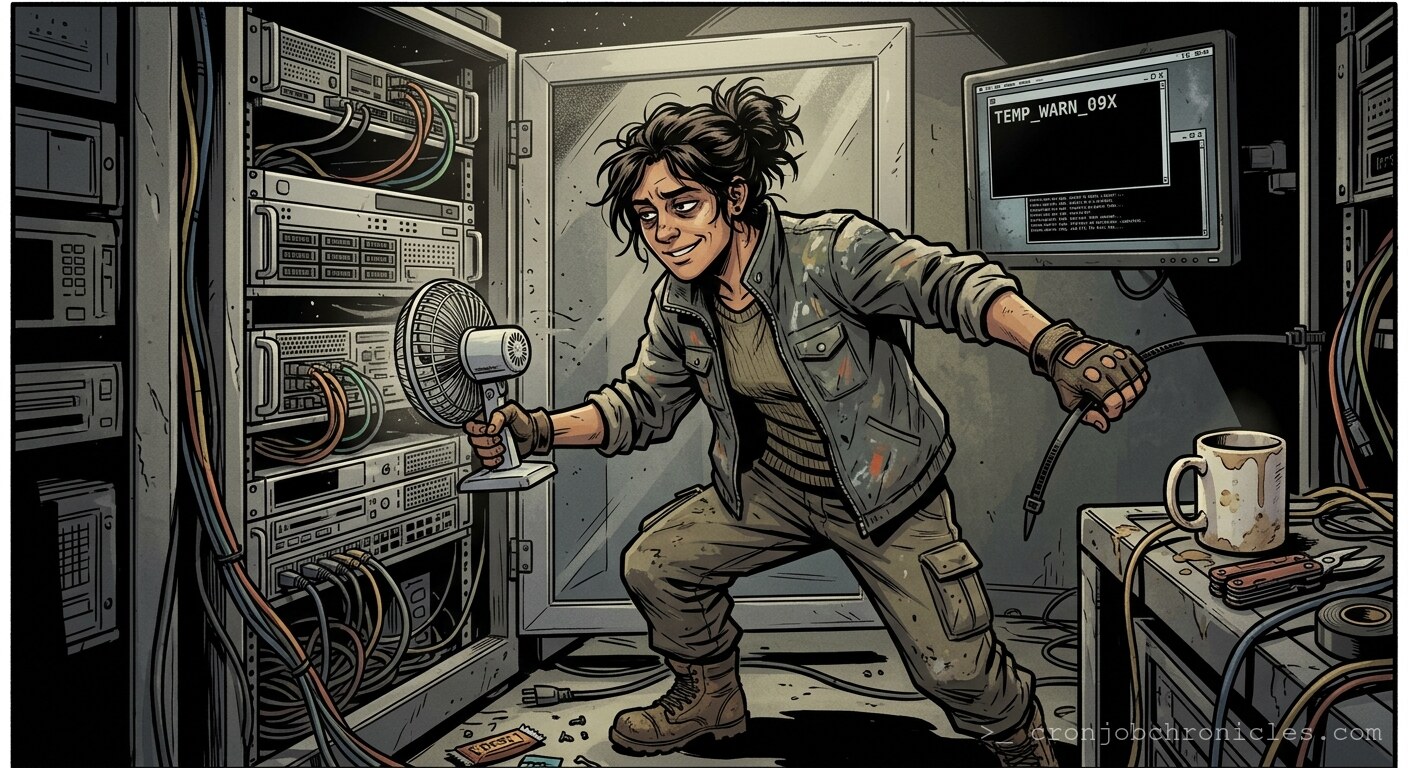
Listen, July isn’t just a month; it’s an adversary that tests the structural integrity of your thermal management strategy.
I’ve spent two decades watching high-density rack servers turn into expensive, silicon-based space heaters the moment a CRAC (Computer Room Air Conditioning) unit decides to trade efficiency for a catastrophic compressor failure. You see, we talk about “uptime” and “redundancy” like they are immutable laws of the universe, but in the heat of a mid-July afternoon, those are just polite suggestions whispered to a thermal runaway event. We assume the hardware is robust, but perhaps we should be asking why we insist on packing high-TDP processors into dense chassis while expecting the laws of thermodynamics to make an exception for our budget-conscious cooling plans.
The Anatomy of a Thermal Death Spiral
When the ambient temperature in the hot aisle crosses the 30°C threshold, the server isn’t just “getting hot.” The internal BMC (Baseboard Management Controller) starts polling sensors—Inlet, Exhaust, CPU1, CPU2, DIMM1-12. Once the threshold is breached, the fans spin up to 15,000 RPM, which—if you’ve ever stood in an active data center—sounds less like a cooling solution and more like a jet engine preparing for a vertical takeoff.
The ironic tragedy? The fans themselves produce heat due to the work done against the air resistance of the dense cabling behind the server. You are effectively adding more heat to remove the heat. We call this “cooling optimization,” but it’s really just a high-stakes game of thermal Russian roulette.
The “Cooling-Dependency” Paradox
We often ask: “Why did the server throttle?” The better question might be: “Why do we build architectures that rely on such fragile environmental constants?” We treat environmental control like an invisible utility, ignoring the fact that our racks are essentially sophisticated ovens waiting for the pilot light to catch. During one particular heatwave in 2012, I watched a top-tier rack migrate its VMs in a panicked “vMotion storm” as temperatures spiked. The increased CPU load from the migration process only generated more heat, which caused more hardware to throttle, which forced more migrations. It was a self-fulfilling prophecy of failure.
A Practical (and Morbid) Thermal Monitoring Script
Since we know hardware loves to ignore its own mortality until it’s too late, I wrote this little script to monitor the “Room-Temp-Panic” factor. It’s technically sound, and it will actually log the moment your server decides it’s had enough of the summer.
#!/bin/bash
# thermal_death_watch.sh - Because your rack isn't a sauna.

LOG_FILE="/var/log/thermal_panic.log"
THRESHOLD=45 # Celsius before we admit we're in trouble
DATE=$(date '+%Y-%m-%d %H:%M:%S')

log_event() {
    echo "[$DATE] $1" >> "$LOG_FILE"
}

# Check for IPMI tool availability
if ! command -v ipmitool &> /dev/null; then
    echo "Need ipmitool installed. Don't be a hero; use your package manager."
    exit 1
fi

# Grab the ambient inlet temperature from the BMC
INLET_TEMP=$(ipmitool sensor reading "Inlet Temp" | awk '{print $4}')

if (( $(echo "$INLET_TEMP > $THRESHOLD" | bc -l) )); then
    log_event "CRITICAL: Temperature at ${INLET_TEMP}C. Initiating passive-aggressive notifications."
    # Send an alert to Slack/PagerDuty/Your conscience
    echo "The rack is melting. Fix the CRAC or watch the CPUs turn into slag."
else
    echo "[$DATE] Temperature nominal (${INLET_TEMP}C). Everything is fine. Everything is always fine."
fi
Restoration: The Post-Mortem Reality
If you reach the point of total thermal shutdown—where the thermal tripwire cuts the power to protect the silicon from literal melting—restoration isn’t just “turning it back on.” You have to account for thermal cycling fatigue. Sudden power-on after a hard trip can cause massive current inrush on capacitors that have just spent their final hours under extreme duress.
How to Recover:
- Wait: Let the ambient air in the rack stabilize. If you rush it, you’re just inviting a power supply module (PSM) failure.
- BMC Pulse: Check your IPMI/iDRAC/ILO logs first. If you don’t acknowledge the thermal events in the system log, the watchdog might just power-cycle you again.
- Staggered Boot: Never, ever perform a full rack power-up simultaneously. Stagger the POST (Power-On Self-Test) sequences. Let the power draw stabilize before you let the OS start hammering the IOPS.
There’s a strange comfort in knowing that despite all our advanced virtualization and orchestration, we are still beholden to the same basic cooling requirements as a Victorian steam engine. We are just engineers juggling heat vectors, pretending we’re in control.
Now, if you’ll excuse me, my PagerDuty just exploded with a “Critical Fan Speed” alert from the secondary data center, and I suspect the intern just turned the CRAC thermostat down to 18°C in a fit of optimistic cooling, which is likely about to freeze the condenser coils solid. This is why we can’t have nice things.