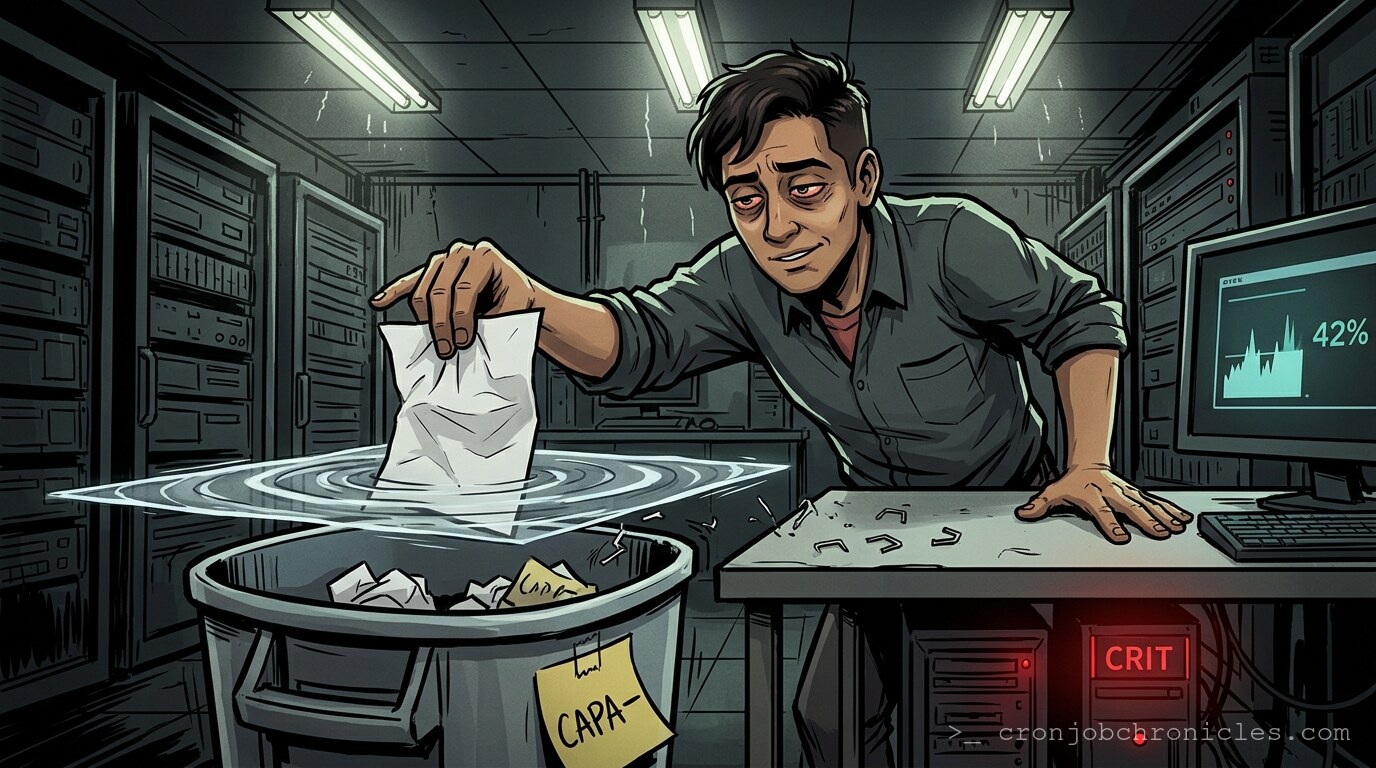
Listen, if the df -h command is your first line of defense, you’ve already lost the war.
There is a specific, cold sweat that descends upon a sysadmin when they see /dev/sda1 sitting at 99% capacity. It’s not just a technical bottleneck; it’s a quiet, existential crisis. You run the command, your terminal spits out the grim reality, and your brain immediately starts running a triage simulation. Is it the logs? Is it a runaway process dumping core files into /tmp? Or, in the most maddening case of all, is the space simply gone—vanished into the ether of inode exhaustion or unlinked file descriptors that the kernel refuses to let go of?
We treat disk space as a commodity, but it’s actually a fragile illusion. We assume that when we delete a file, the space returns. But what if a process is still holding the file descriptor open? You see the space occupied, you delete the file, and df remains stubbornly stagnant. You are staring at a ghost. You are debugging a memory that hasn’t realized it’s dead yet.
The Anatomy of a Disk-Full Panic
When you start investigating, you aren’t just looking for big files. You’re looking for the breakdown of trust between the filesystem and the kernel. The classic approach—du -sh *—is the equivalent of looking for your lost keys by checking the pockets of your coat while you’re standing in the middle of a burning building. It’s helpful, sure, but it ignores the structural fire.
Often, the space isn’t “full” in the way a bucket is full of water. It’s full because of zombie files. These are files deleted by an application that didn’t close its handle, meaning the kernel keeps the inode locked. The file is invisible to ls, but it is occupying every single bit of space it held while “alive.”
The Ritual of Investigation
Before you start nuking logs with rm -rf—a practice that has ended more careers than I care to count—you must use the right tools. If df says the disk is full but du says it isn’t, you aren’t crazy. You’re just dealing with the reality of hidden file descriptors.
Use lsof. Specifically, use lsof +L1 to find files that have been unlinked but are still held by a process. It is a terrifyingly effective command that reveals the hidden architecture of your storage mess. It makes you wonder: if these files are deleted but still taking up space, do they actually exist at all? Or are we just comforting ourselves with the definitions of “file” and “space”?
The “Procrastination-at-Scale” Script
Sometimes, the disk is full because we are bad at housekeeping. We treat our servers like a junk drawer in a kitchen we never visit. If you’re going to be a hoarder, at least be an organized one. Here is a script I wrote to manage the “I’ll do it later” pile—a utility that logs my own lack of discipline before it hits the critical threshold.
#!/bin/bash
# The "Sysadmin Shame Logger"
# Because the disk is full, and deep down, you know it's your fault.

LOG_FILE="/var/log/admin_shame.log"
THRESHOLD=85
CURRENT_USAGE=$(df / | grep / | awk '{ print $5 }' | sed 's/%//')

log_message() {
    echo "$(date '+%Y-%m-%d %H:%M:%S') - $1" >> "$LOG_FILE"
}

if [ "$CURRENT_USAGE" -gt "$THRESHOLD" ]; then
    log_message "WARNING: Disk is at ${CURRENT_USAGE}%. Your laziness is now a performance metric."
    # Identify the top 5 space-hogs and log them for the walk of shame
    du -ah /var/log | sort -rh | head -n 5 >> "$LOG_FILE"
else
    log_message "Disk is at ${CURRENT_USAGE}%. You got away with it today."
fi

exit 0
The Restoration Paradox
How do you restore from a full disk? You don’t. You can’t. If the disk is full, your database writes will fail, your logs will truncate, and your backups—if you were foolish enough to run them to the same volume—will fail with a cryptic EIO or ENOSPC. The only “restoration” is the act of creation: moving data to off-site storage, expanding the LVM volume, or (the most honest option) deleting what you don’t actually need.
There is a recurring question that haunts me: why do we fight for more space when we never audit what we have? Perhaps we keep the files to keep the history, a digital paper trail of our own technical evolution. Or perhaps we’re just terrified that if we delete that log file from 2017, the server will lose its identity entirely. It is, perhaps, a sickness of the industry—the belief that storage is infinite and relevance is permanent.
Wait, my pager just went off. It’s a disk_full alert from the production cluster. Apparently, someone thought it was a brilliant idea to dump debug symbols into the partition without a rotation policy. Now, if you’ll excuse me, I have a cleanup script that hasn’t been tested since 2012 and a PagerDuty siren that currently sounds exactly like my internal monologue.